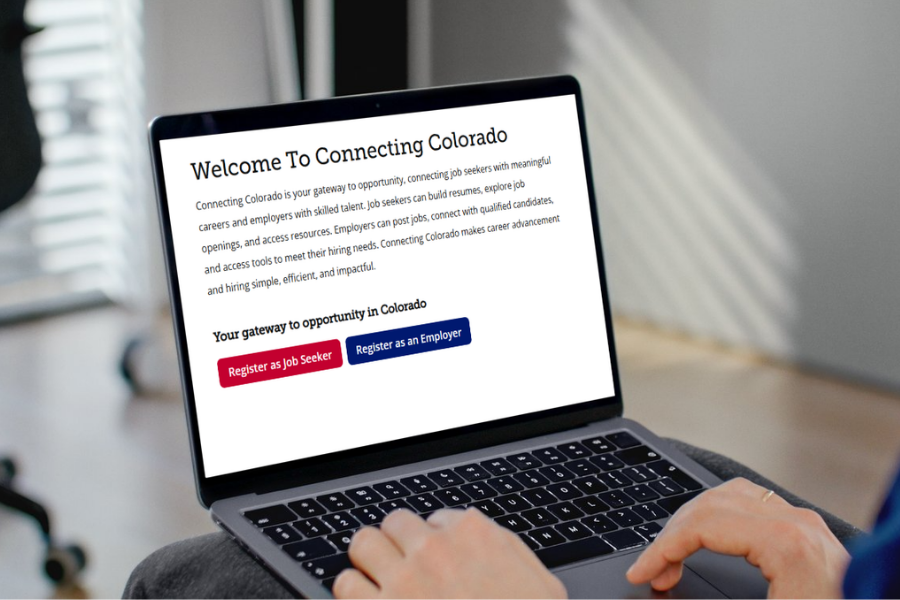
Register for Connecting Colorado before the Western Colorado Job Fair
If you’re planning to attend the Western Colorado Job Fair, your first step should be getting registered with Connecting Colorado. This quick process helps you make the most of the event and connects you to opportunities beyond it.
Registering with Connecting Colorado gives you direct access to the state’s official job board, used by thousands of local employers actively hiring. Once you're signed up, you’ll receive job recommendations tailored to your skills and experience, making your search more efficient. Plus, registration unlocks personalized support from workforce professionals who are there to help guide you every step of the way.
How to Register for Connecting Colorado
Step 1: Visit the Website
Go to Connecting Colorado website.
Step 2: Start Registration
Click on “Register as Job Seeker”
Step 3: Enter Your Email
Use the email address you want associated with your account.
Step 4: Reset Your Password (If Needed)
If you’ve registered before:
- Click “Forgot Password”
- Follow the prompts to reset it
Step 5: Check Your Email
Open the password reset email and follow the instructions to access your account
If you need assistance at any point, give us a call at 970-248-7560.
Be sure to join us at the Western Colorado Job Fair from 10:00 a.m. until 2:00 p.m. on Wednesday, April 22nd at the Grand Junction Convention Center.